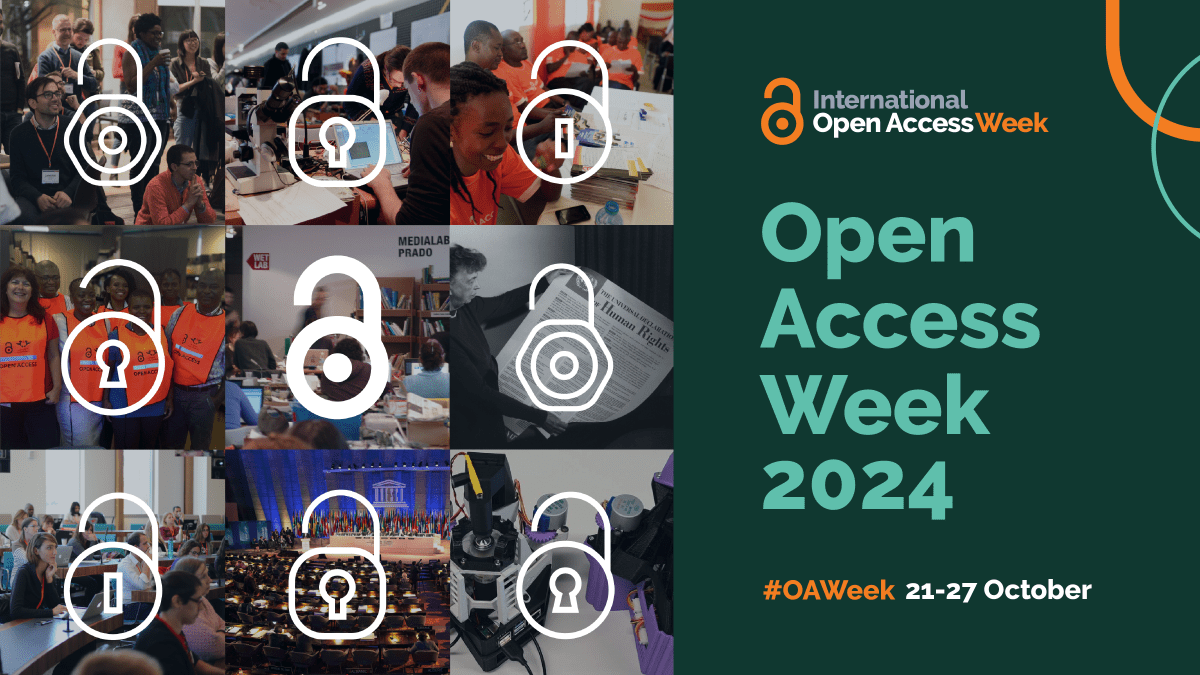
From October 21-27, 2024 the Patrick Power Library is celebrating International Open Access Week! This year’s theme of Community over Commercialization emphasizes the value of freely accessible, high-quality scholarly information and aligns with our university community’s without limits philosophy.
The Patrick Power Library is pleased to participate in ORCID, a global system to accurately identify researchers online and create an authoritative record of scholarly work. We join over one thousand universities, major scholarly publishers, and journal indexes worldwide in ORCID membership.
Hey there, new and returning SMUdents! The start of Fall Semester is almost here and we want to welcome you to Saint Mary’s University and your Patrick Power Library! We’ve lined up some events throughout Welcome Weeks and September to invite you to learn more about the library and how library services will support your academic career — keep reading to learn more. We hope to see you there!
Dear colleagues across campus: As your partners in teaching, learning and research, the Patrick Power Library is committed to helping students develop information literacy and research skills essential for academic success.
Information literacy includes the ability to effectively and ethically find, use, evaluate and cite information. We help instructors incorporate these concepts and skills in the classroom with our instructional services, including the Academic Integrity Foundations (AIF) and ResearchBase courses on Brightspace. Librarians can also visit your class to teach information literacy sessions customized for your course and assignment needs. Keep reading to learn more about these opportunities! To book an information literacy session please contact our librarians:
As part of the Novanet Consortium of libraries, the SMU Library is updating its online catalogue. While we prepare for the updates to go live, there will be a brief disruption in library services from May 9-17. We apologize for the inconvenience and thank you for your patience as we upgrade the Library’s catalogue.
Happy last day of Winter Term 2022, SMUdents! As you take on exams, we’re here for you. From free study snacks and massages to assignment help services, we’ve got you covered! Keep reading for information about activities, hours and services during exams.
February is African Heritage Month and Black History Month, but we know research about Black history and scholarship isn’t confined to one month of the year. The SMU Library has resources to support your research on these topics year round.
February 20-26 is Freedom to Read week, a celebration of the fundamental rights to intellectual freedom and freedom from censorship. Both rights are guaranteed under the Canadian Charter of Rights and Freedoms, and are strongly supported by libraries across Canada.
If you’re wondering why your login isn’t working, you’re not alone.
If you’ve felt the frustrations of trying to (unsuccessfully!) login, don’t despair! Ask yourself: what are you trying to do/log into? Depending on what you’re trying to accomplish, you may need a different combination of numbers and passwords.
Let’s start with your Library Account.
To log in to your Library Account (renew books, place holds, order books, etc.) your username will be the barcode number on your SMU ID card, and the default password will be the last four digits of your phone number. If we don’t have a phone number on file for you, your password will be 0000. You can also use you’re A-number and the associated password to login to your library account.
What you will need to login:
Username: Barcode number on your SMU ID card.
Password: Last four digits of your phone number.
If you have any issues logging in to your library account, you can email access@smu.ca for help.
Next up is your Computer Account.
To log in to your computer account (which lets you access library databases off campus*, Brightspace, SMUport, printing, etc.) you will need to use your S number and the password associated with your S number.
Please *note that if you try to log in to the SMU library databases off campus and fail to successfully login 10 times in 5 minutes, you will be locked out for 20 minutes. The lockout is connected to your computer, so attempting to login use your friend’s S number on the same device will not work. You’ll have to wait 30 minutes before trying to log in again.
You may be wondering, okay, what if I’ve forgotten my S number and password? If you’ve forgotten your S number or password, you can re-activate your account using your A-number and PIN at the following link.
If you have any issues, you can also contact the EIT Help Desk at 902-496-8111 during their hours of operation or send them an email at helpdesk@smu.ca
Last (but not least!) is Banner.
To log on to Banner (register for classes, pay tuition, etc.) you will need to use your A number and the associated PIN number. Your A-number starts with the letter “A” and is followed by eight digits (ex. A12345678). It will sometimes be referred to as your Banner ID. Your default PIN number is your date of birth in the format of DDMMYY – for example, the PIN for someone with the birthday January 2nd 2003 would be 020103.
What you will need to login:
Username: A-number / Banner ID
Password: Your PIN number.
If you have any issues logging in, or have forgotten your A-number, you can contact the EIT Help Desk at 902-496-8111 during their hours of operation or send them an email at helpdesk@smu.ca.
Whew! That’s a lot to remember! No wonder it can seem daunting to access what you need. However, logging on to your Saint Mary’s University platforms gets a lot easier when you know the right information to use. Don’t forget- if all else fails, you can always reach out the Research Help Team at the Library. They can help you figure out how to proceed.





 Patrick Power Library Blog